On a phone
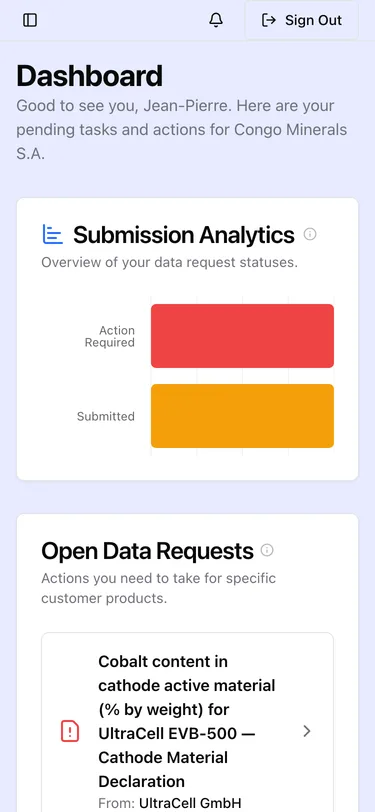
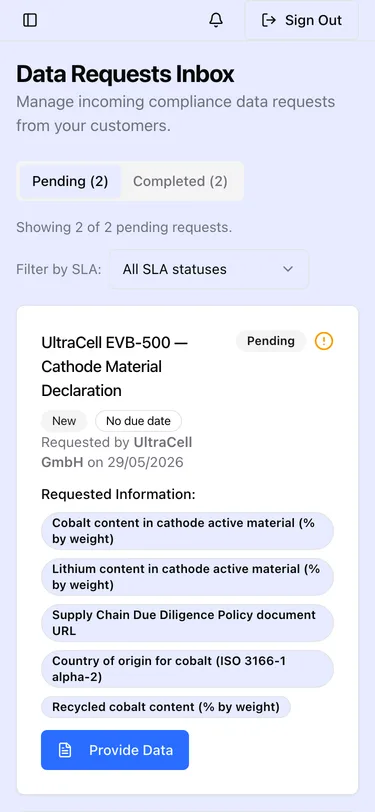
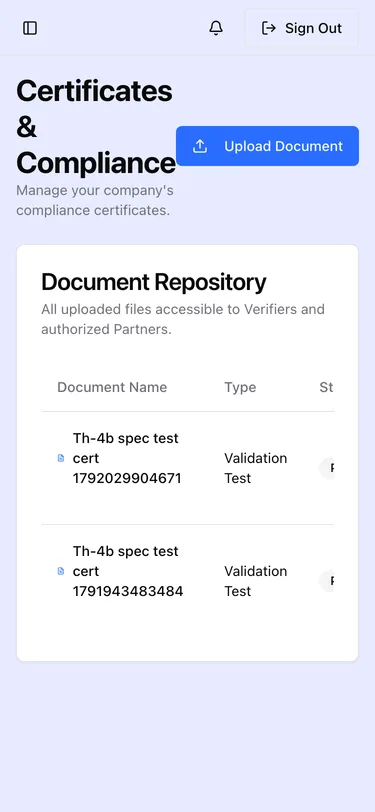
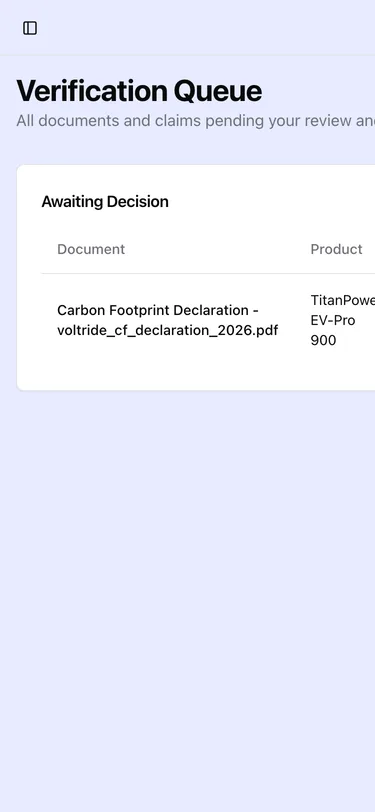
Every portal is responsive, so the surfaces you are most likely to need away from a desk work on a phone without a separate app. This page shows what they actually look like at 375 px wide, so you know what to expect before you need it on a factory floor or in a warehouse.
The layout collapses to a single column: summary tiles stack, tables become scrollable, and the sidebar moves behind the toggle in the top-left. The same data and the same actions are present for the screens shown below.
Screens below are captured from the staging demonstration environment with specimen data, so no real product or supplier information appears.
Operator Portal
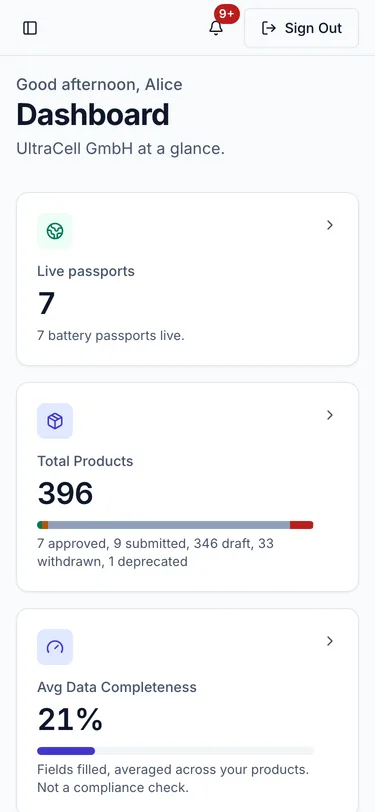
The dashboard keeps the same status cards, stacked rather than in a row.
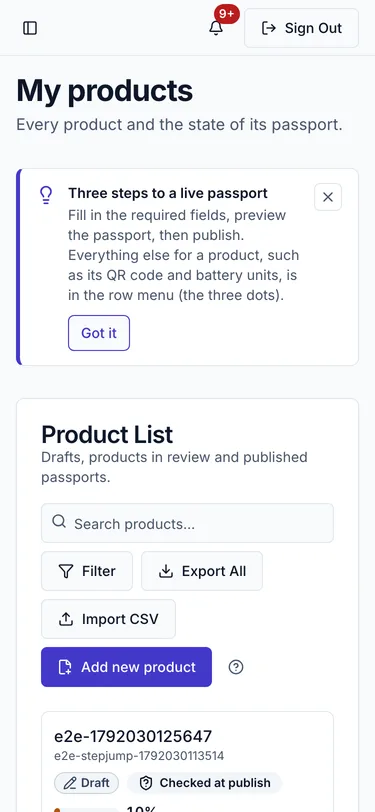
Your product portfolio, with each product's status and completeness.
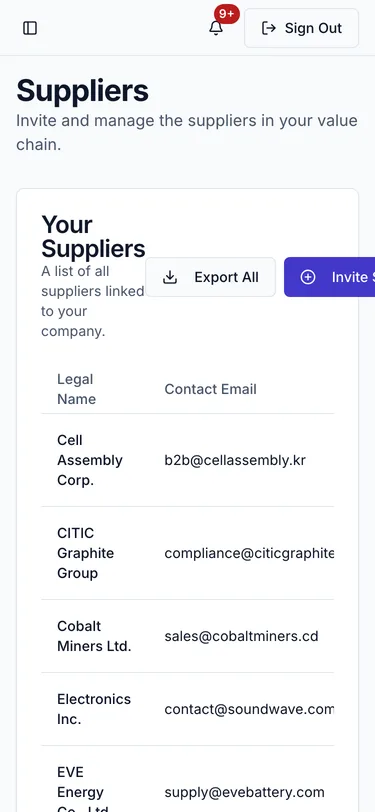
The supplier list, which is the surface most often needed away from a desk.
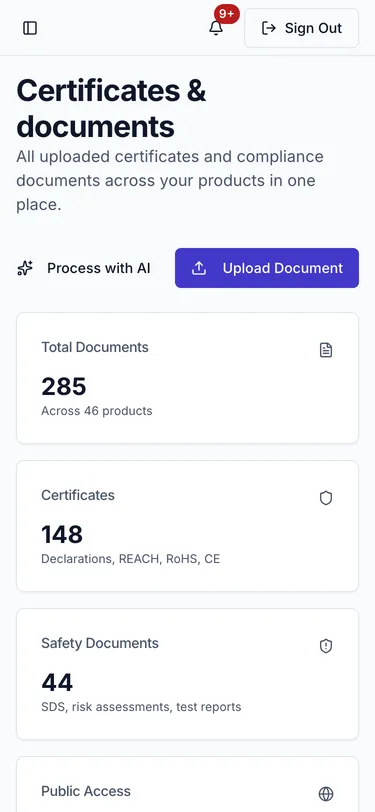
Certificates and documents, with summary cards for the totals.
Supplier Portal
The supplier dashboard, summarising what has been asked of you.
Incoming data requests, the reason most suppliers open the portal at all.
Your certificates, with expiry status.
Verifier Portal
The verification queue, so a reviewer can triage what is waiting without a laptop.
What is not designed for a phone
The DPP editor is deliberately not in this list. It is a long multi-step form. It works on a phone, but filling it there is not a good experience and is not what the layout is tuned for. Use a desktop or tablet for authoring, and a phone for checking status, reviewing requests and triaging a queue.