Associated products
The Associated Products page shows all battery products you supply materials or components for, as recorded by the customers who have added you as a supplier in their accounts.
Navigate to Associated Products in the left sidebar of the Supplier Portal to view this list.
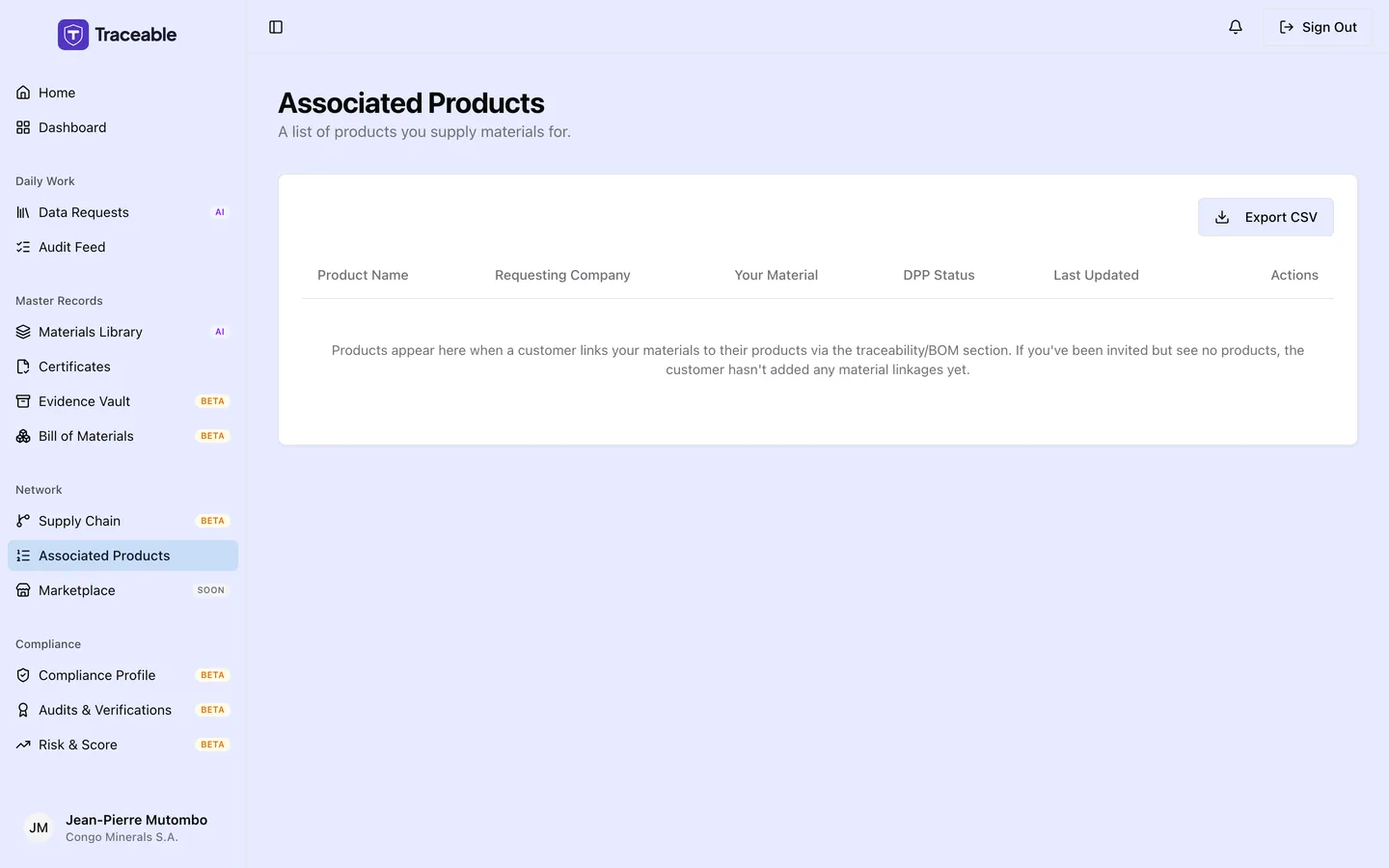
Associated products.
What is shown
Each entry represents a product a customer has linked to your supplier account through their supply chain traceability records. The page is a table with these columns:
- Product Name
- Requesting Company
- Your Material: the materials you supplied for that product
- DPP Status: the product status (for example Draft, Submitted, Approved, Rejected, Deprecated, Withdrawn or Revoked)
- Last Updated
- Actions: a menu with Manage Data Request (disabled when no request exists for that product) and View Public DPP, which opens the product's public passport page in a new tab
Export CSV downloads the table as supplier-products-YYYY-MM-DD.csv. You cannot add or remove products here. Only the customer who manages a product can link or unlink supplier relationships.
How products appear here
A product appears on your Associated Products page when a customer creates a traceability record that names your account in their supply chain. This typically happens after:
- The customer adds you as a supplier in their account (Suppliers page in the Company Portal).
- The customer creates a traceability record for a specific product that names you as a supply chain party.
If you supply materials to multiple customers, products from all of them appear in a single list here.
If nothing is linked yet, the table says "Products appear here when a customer links your materials to their products via the traceability/BOM section."
Why this matters
This page gives you visibility into which specific battery products your supplied materials are associated with. This is useful for:
- Data request context: when a customer sends you a data request, the associated product is identified in the request. Seeing the full product list helps you understand the scope of your supply relationships.
- Audit preparation: if your organisation is asked to demonstrate its role in a battery's supply chain (for example, by a market surveillance authority), this list provides a quick reference.
If a product is missing
If you believe you supply materials for a product that does not appear here, the customer has not yet linked your account to that product's traceability record. Contact the customer directly and ask them to add the traceability record in their Company Portal.