Verifier Dashboard
The Verifier Dashboard gives you an immediate snapshot of your current workload. Use it as your daily starting point to understand what is waiting, what is in progress, and how much you have completed overall.
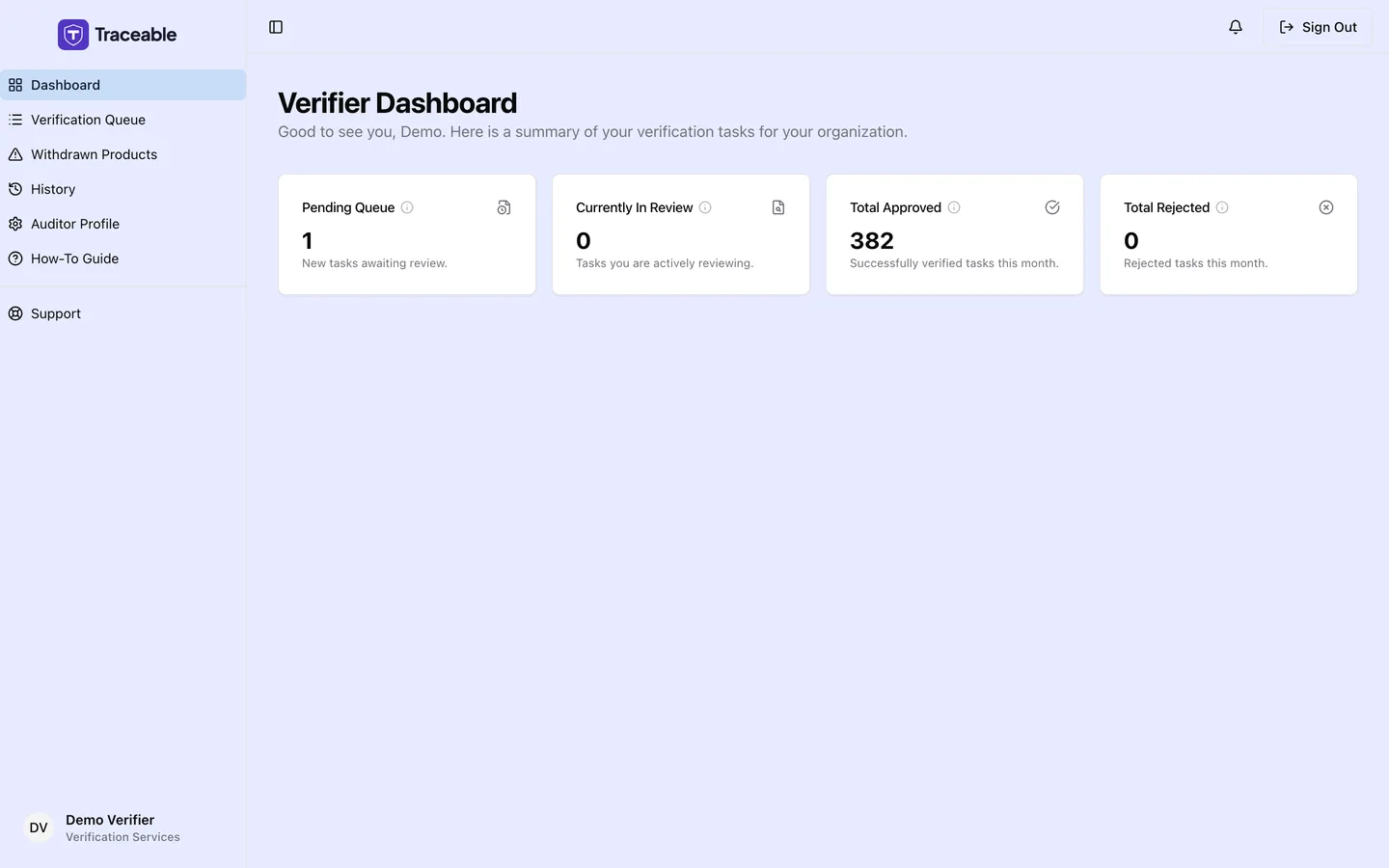
The Verifier Portal dashboard.
Queue Counters
The dashboard shows four metric cards:
| Counter | What it shows |
|---|---|
| Pending Queue | Open tasks with status Pending that you can see: tasks created when a product is submitted or a document is uploaded, which have not been sent to a particular verifier. They are assigned to you, or unassigned for an operator whose roster you are on |
| Currently In Review | Open tasks with status In Review: tasks an operator has sent to you through a document verification request |
| Total Approved | Cumulative count of all tasks you have approved on this account |
| Total Rejected | Cumulative count of all tasks you have rejected on this account |
The Approved and Rejected totals are lifetime counts, they are not filtered by time period, even though the card text on screen says "this month".
Using the Dashboard to Manage Your Workload
A practical daily workflow:
- Check Pending Queue for tasks you can pick up
- Check Currently In Review: tasks you are already working on; return to any that need a decision today
- Navigate to the Verification Queue to see each task in detail and take action
What Is Not on the Dashboard
The dashboard does not include performance metrics (such as approval rate or average turnaround time), a list of upcoming deadlines, or a recent decisions feed. For a complete record of your past decisions, use Verification History.
Related
- Verification Queue: full list of open tasks
- Verification History: your complete decision record
- Auditor Profile: update your auditor details
Was this page helpful?