Bill of Materials
Bill of Materials is currently in Beta. The view is live and pulls materials from your account. Additional features are planned for a future release.
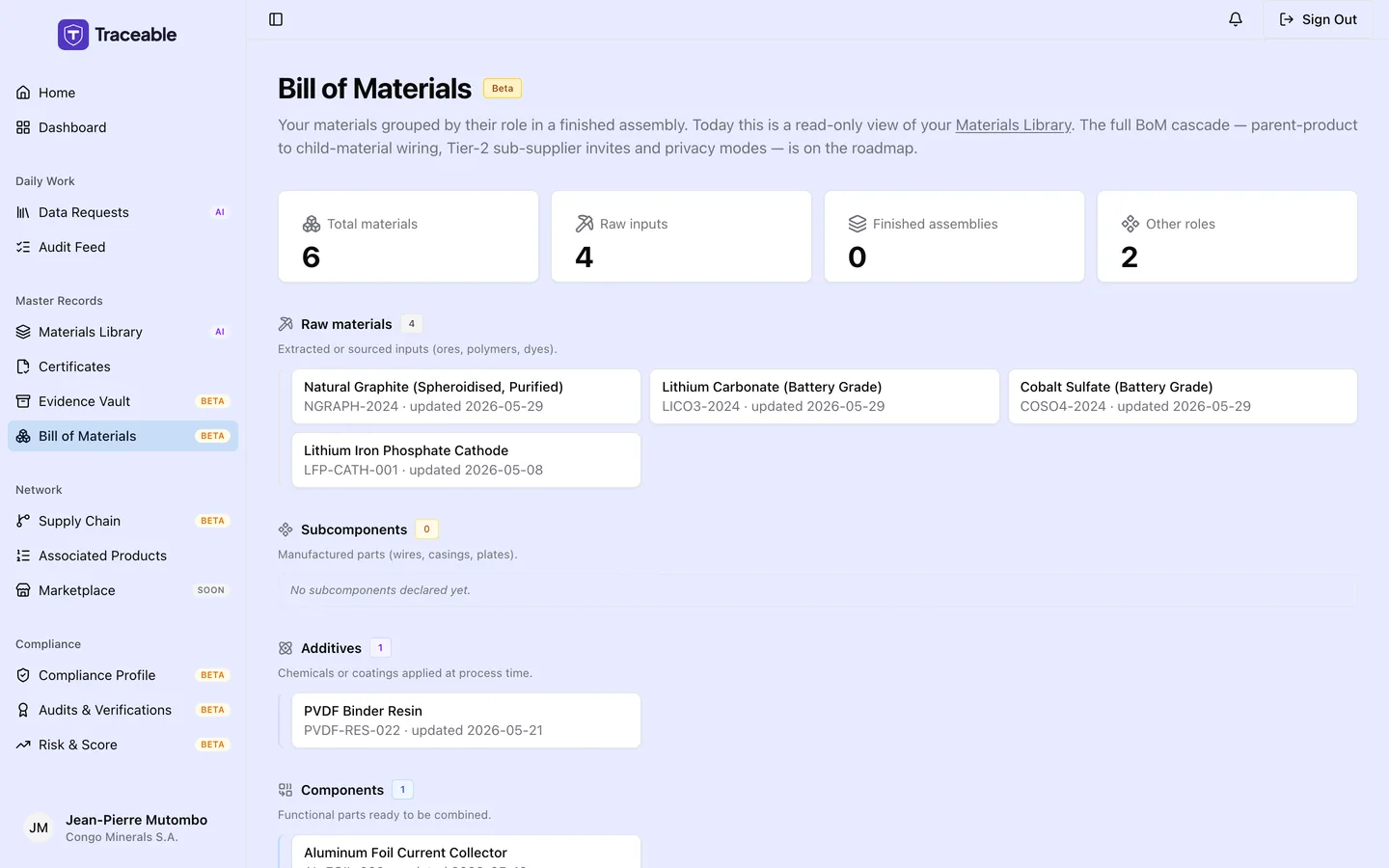
Bill of materials.
What the Bill of Materials Page Shows
The Bill of Materials (BOM) page gives you an overview of all materials in your account, grouped by their role in the product hierarchy. Navigate to Bill of Materials in the left sidebar to access it.
Summary Cards
At the top of the page, summary cards show counts for:
- Total materials: all materials in your library
- Raw inputs: materials classified as raw material inputs
- Finished assemblies: materials classified as finished assemblies ready for supply
- Other roles: materials in other classification categories
These counts give you a quick read on the composition of your material library.
Material Type Groupings
Your materials are displayed as chips grouped into five categories:
| Category | Description |
|---|---|
| Raw materials | Extracted or sourced inputs (ores, polymers, dyes) |
| Subcomponents | Manufactured parts (wires, casings, plates) |
| Additives | Chemicals or coatings applied at process time |
| Components | Functional parts ready to be combined |
| Assemblies | Finished BoM rolls, what you deliver to customers |
Materials whose type is not one of these five appear under Other. The order on screen is Raw materials, Subcomponents, Additives, Components, Assemblies.
Click any material chip to open that material's detail page, where you can view and edit its properties.
Relationship to Data Requests
The materials in your BOM are the same materials you can reference when responding to customer data requests. When a customer requests composition, carbon footprint, or sourcing data for a specific material, you can pull the stored values from your material library rather than re-entering them each time.
Keeping your BOM up to date improves the speed and consistency of your data request responses.
Coming in a Future Release
Planned additions to the Bill of Materials page include:
- BOM cascade tree: a hierarchical view showing how raw inputs flow through to finished assemblies
- Tier-2 sub-supplier invites: invite your own upstream suppliers to contribute material data directly
- Mass-balance ledger: track input and output quantities to verify material flow balance
Related
- Materials: managing individual material records
- Data Requests: responding to customer requests using your material library