Audit Feed
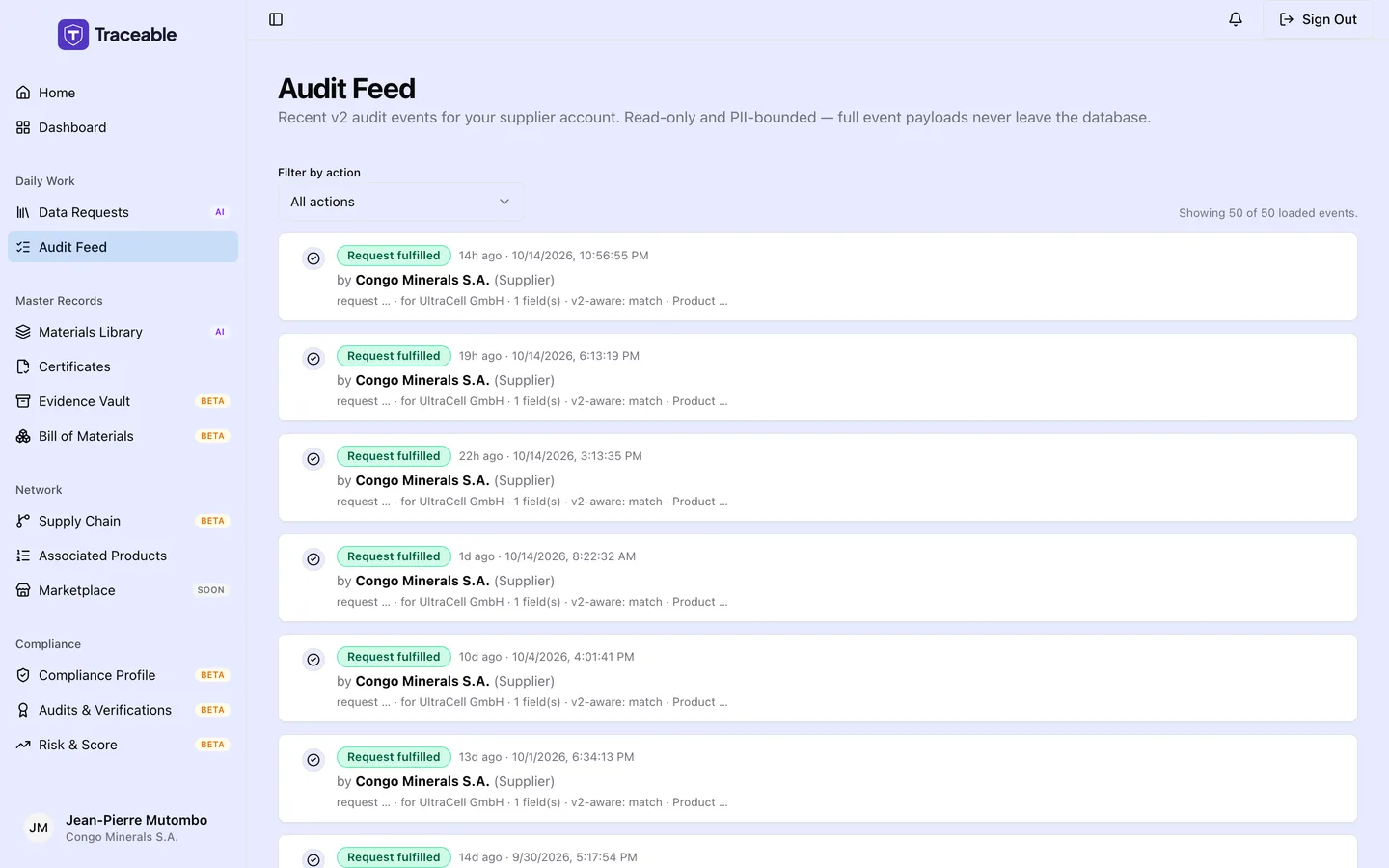
The audit feed.
What the Audit Feed Is
The Audit Feed lists events recorded under your company's name: requests you fulfilled, requests you rejected, and changes to who can see an evidence document. It does not list actions taken by your customers. Newest events come first.
Navigate to Audit Feed in the left sidebar to access it.
The feed is read-only. No actions can be taken from the Audit Feed directly, it is a reference log, not a task list.
You can narrow the list with the Filter by action drop-down (All actions, Request created, Request fulfilled, Request rejected, Sharing scope updated) and load more with Load more events. The page loads the 50 most recent events and can load up to 200.
Event Types
Entries use these labels:
| Event | What it records |
|---|---|
| Request fulfilled | You submitted a response to a data request |
| Request rejected | You declined a data request, with a reason |
| Sharing scope updated | You changed which customers can see an evidence document |
What Each Entry Shows
Each feed entry shows a coloured label (for example "Request fulfilled"), the time as a short relative form such as "3h ago" followed by the full local date and time on the same line, and "by <your company name> (<role>)". A small detail line shows shortened ids and counts, for example "request ab12cd34... · for <customer> · 4 field(s)" or "document ab12cd34... · +1 added · -0 removed".
Why the Audit Feed Matters
Accountability: The feed gives you a record of when you responded to or declined requests and when you changed evidence sharing.
Record-keeping: The Audit Feed provides a timestamped log of your own actions on requests and evidence sharing.
Related
- Data Requests: acting on requests
- Evidence Vault: evidence sharing and expiry monitoring