The DPP editor, step by step
This page shows every step of the DPP editor as it actually appears, so you can see what you are being asked for before you start. The walkthrough below is an EV battery, which has 12 steps.
The steps are not a fixed list. They are derived from the field template for the product's battery category, so a portable battery or an industrial cell shows a different set. For how that derivation works, and why a field may be present but not blocking, see Create a product. For the authoritative, machine-readable field list per category, the API's category schema endpoint is the source of truth: see the Developer guide.
Two things apply on every step:
- Progress is saved per step. The editor saves the step you are leaving when you click Next, Previous or a step chip, or when you click Save & Exit. When you create a new product, the button on the first step reads Create & Continue; on an existing draft it reads Next. There is no background save to the server while you type, so do not close the tab mid-step.
- The DPP Readiness panel sits on the right of the editor. It reports, separately, how many required form fields are filled and how many compliance-gate gaps remain, alongside the documents uploaded and a suggested next step. Those numbers are deliberately not the same: see Publish a DPP.
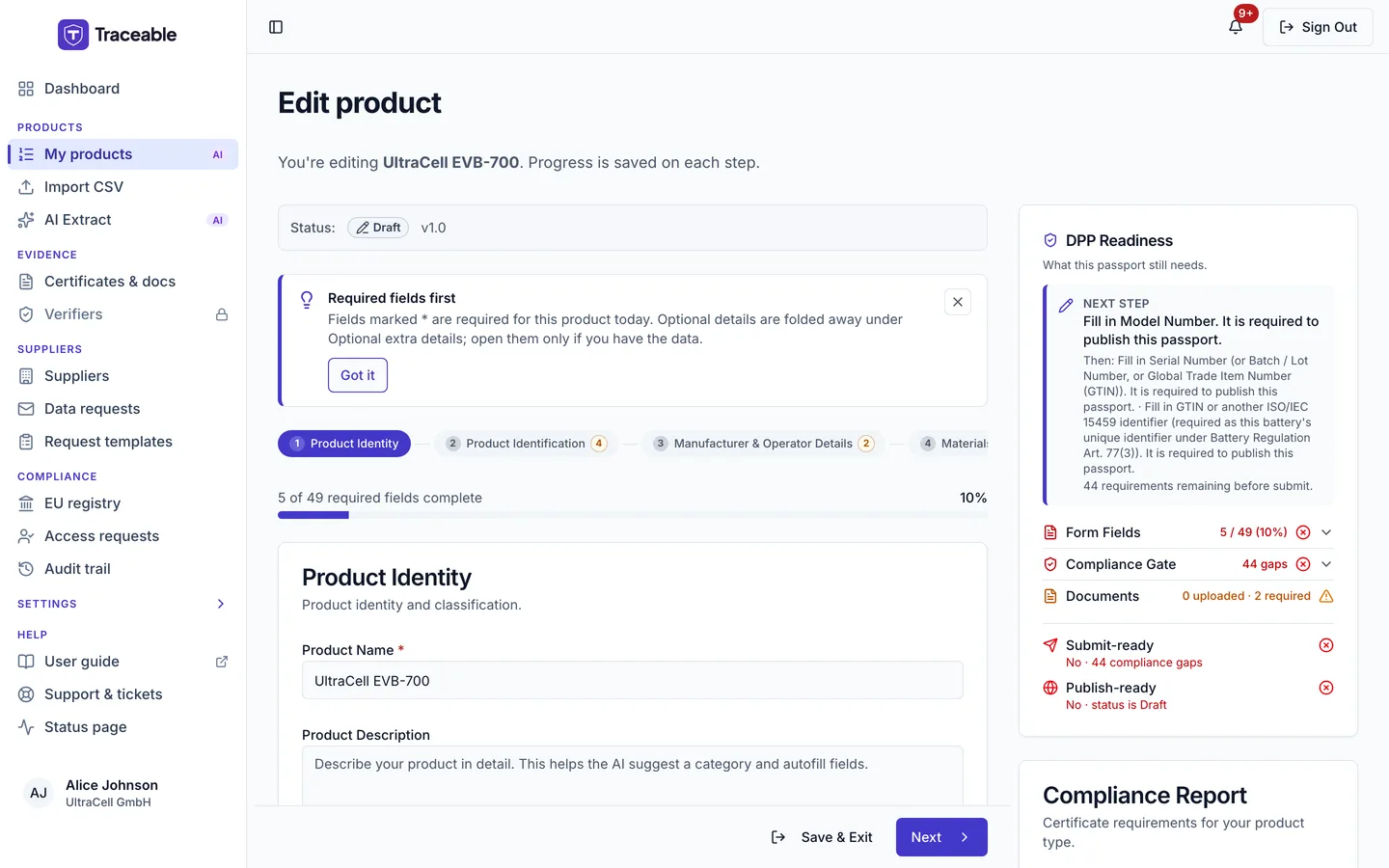
Step 1: Product Identity
Where a product starts: its name, description and battery category. The category chosen here determines every step that follows.
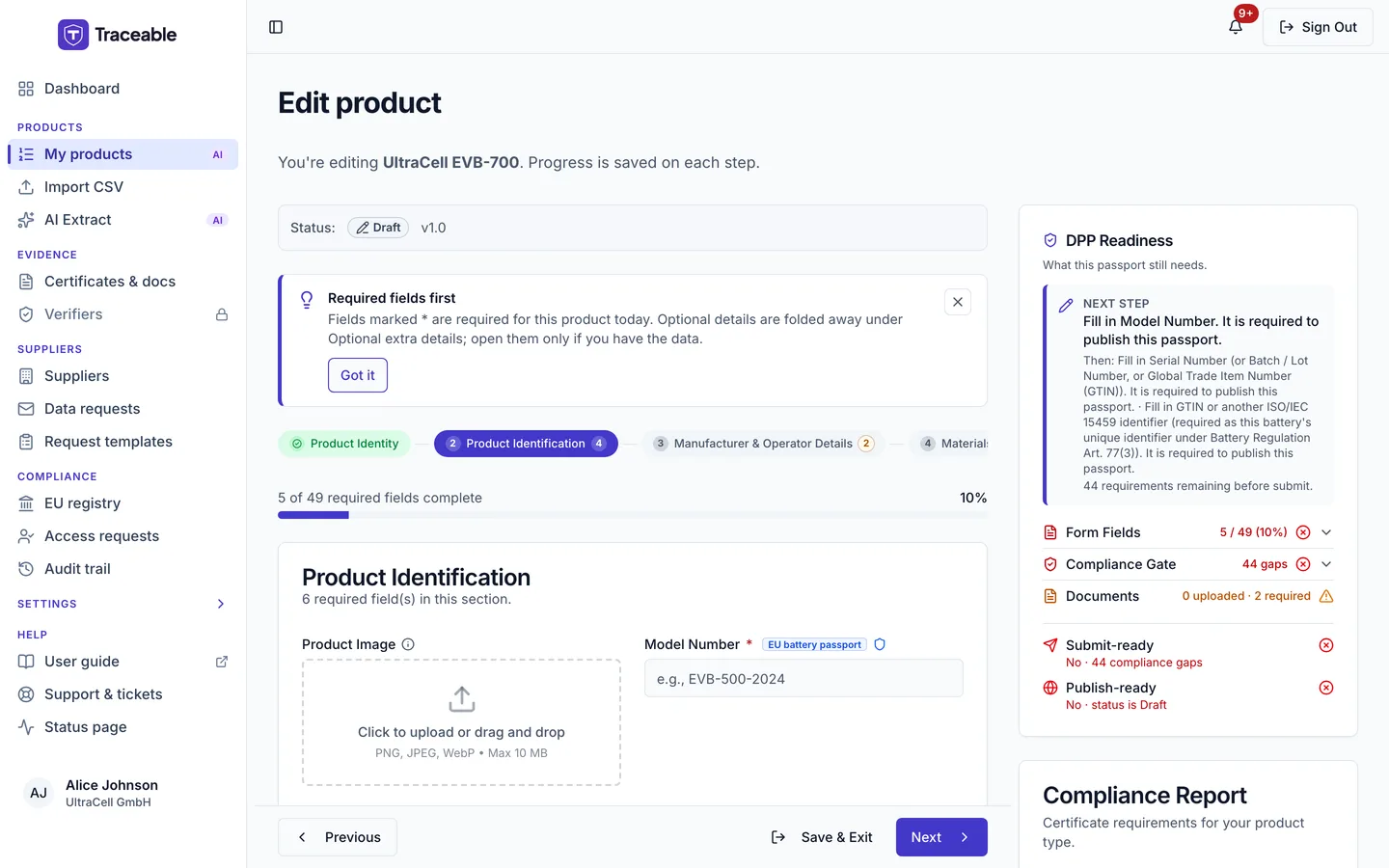
Step 2: Product Identification
The identifiers that make the battery uniquely addressable, including the model number, batch or lot number, serial number and GTIN. These are the fields the public QR code and GS1 resolution depend on, so their formats are constrained: see GS1 prefixes.
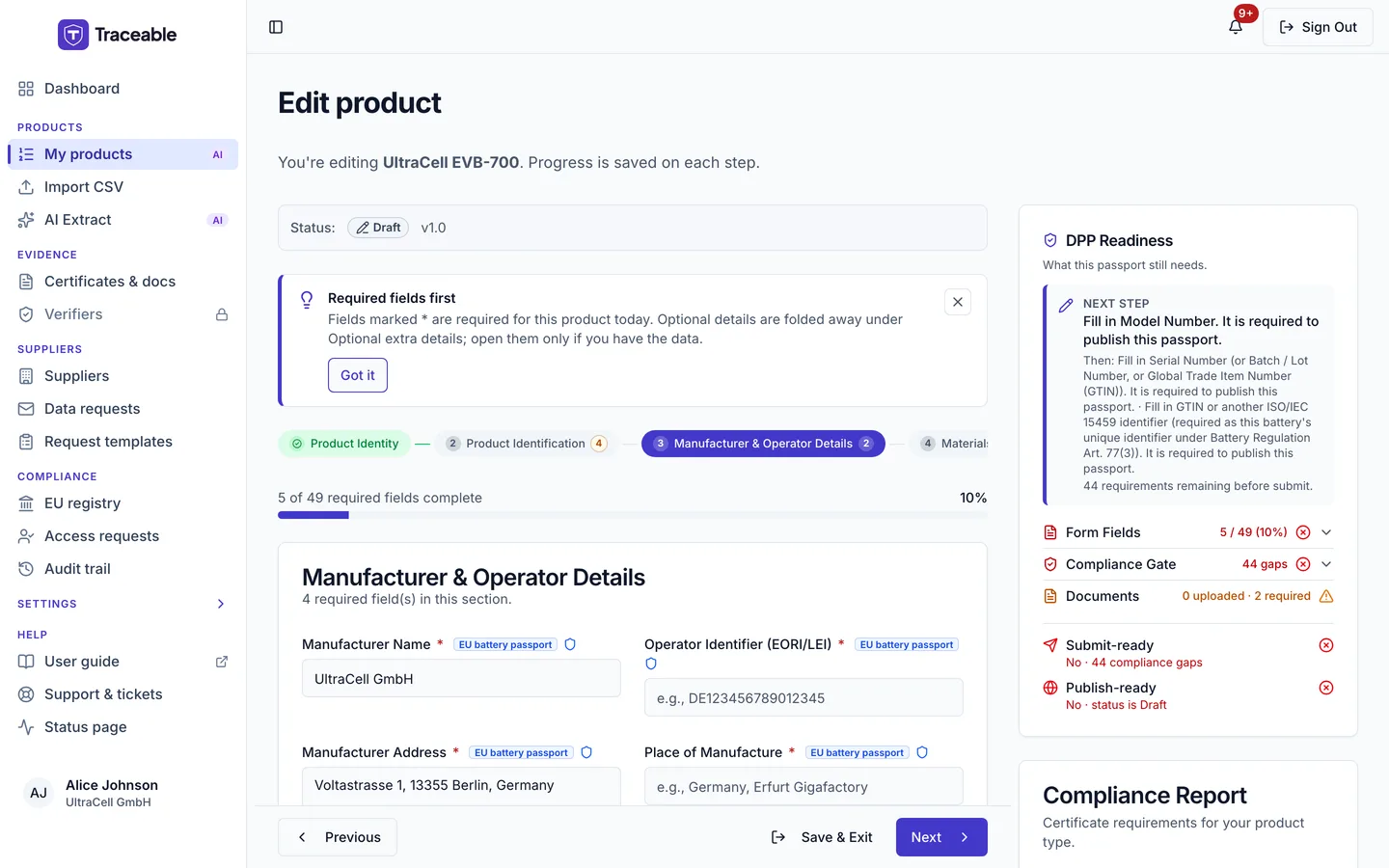
Step 3: Manufacturer & Operator Details
Who placed the battery on the EU market, and in what role. This is where the economic-operator information required by the regulation is recorded.
On EV, LMT, Other Industrial and Stationary batteries the step also has an optional text field, Manufacturer GLN (legal entity), inside the collapsed "Optional extra details" section. Its help text reads "The 13-digit GS1 Global Location Number that identifies the manufacturer as a legal entity. Not the GLN of the manufacturing site: enter that as the Facility Identifier (GLN)." The placeholder is "e.g., 4012345000009". The field does not block publishing. When you enter or change a value, it must be exactly 13 digits with a correct GS1 check digit. Otherwise the field says "GLN must be exactly 13 digits" or "GLN check digit does not match: not a valid GS1 GLN".
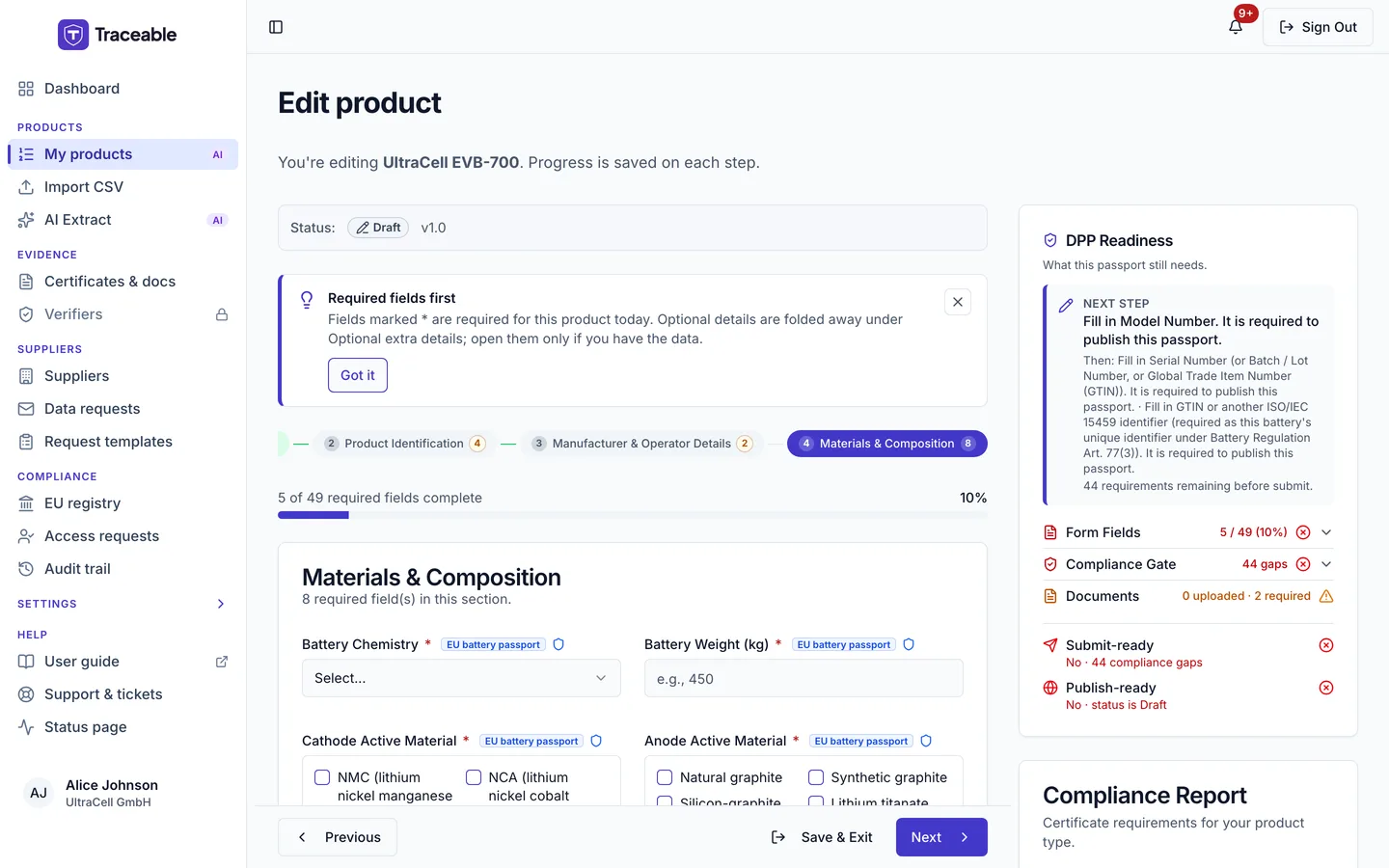
Step 4: Materials & Composition
The battery's material make-up. This is the step that carries the composition data the recycled-content and substance-restriction obligations rely on.
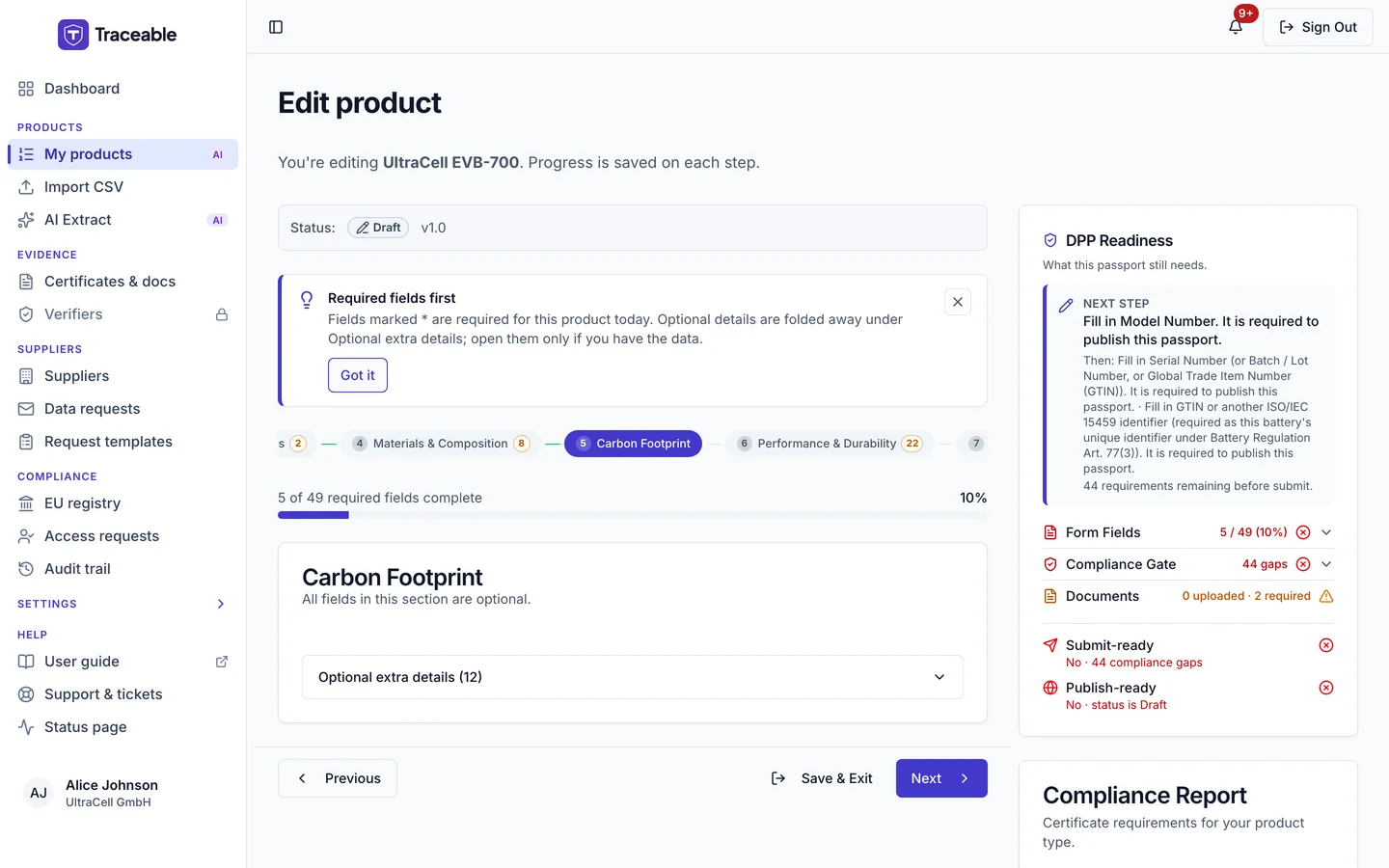
Step 5: Carbon Footprint
The carbon-footprint declaration fields. Note that these do not currently block publication for any category: the Commission's guidance marks them as not to be filled or displayed pending the implementing act that will specify the format. See the enforcement timeline.
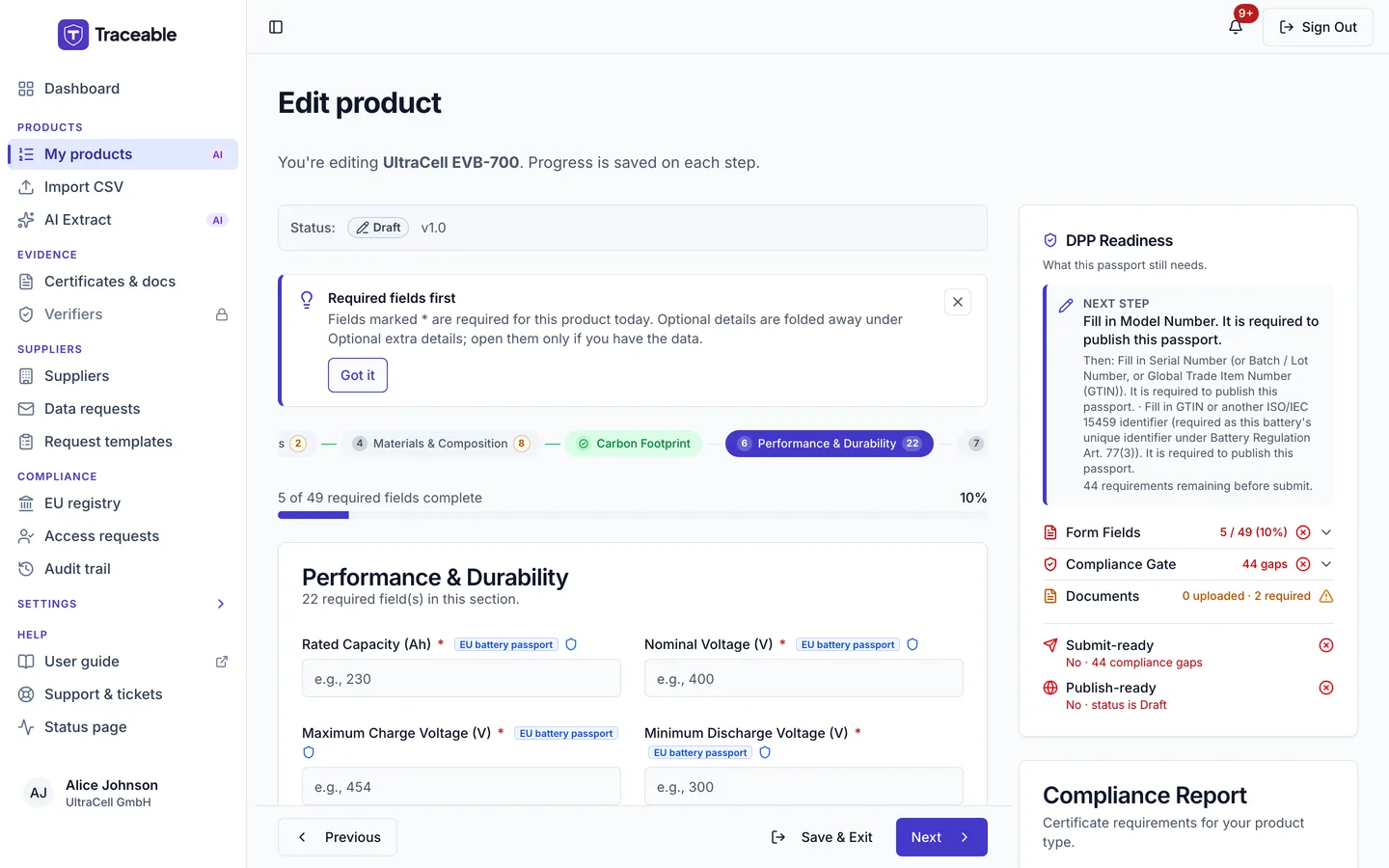
Step 6: Performance & Durability
The electrochemical performance and durability parameters for the battery.
On a Stationary battery the step also has two optional fields, Remaining Capacity (Ah) and Ohmic Resistance (mΩ). Their help texts say the value is reported by the battery management system. Neither blocks publishing.
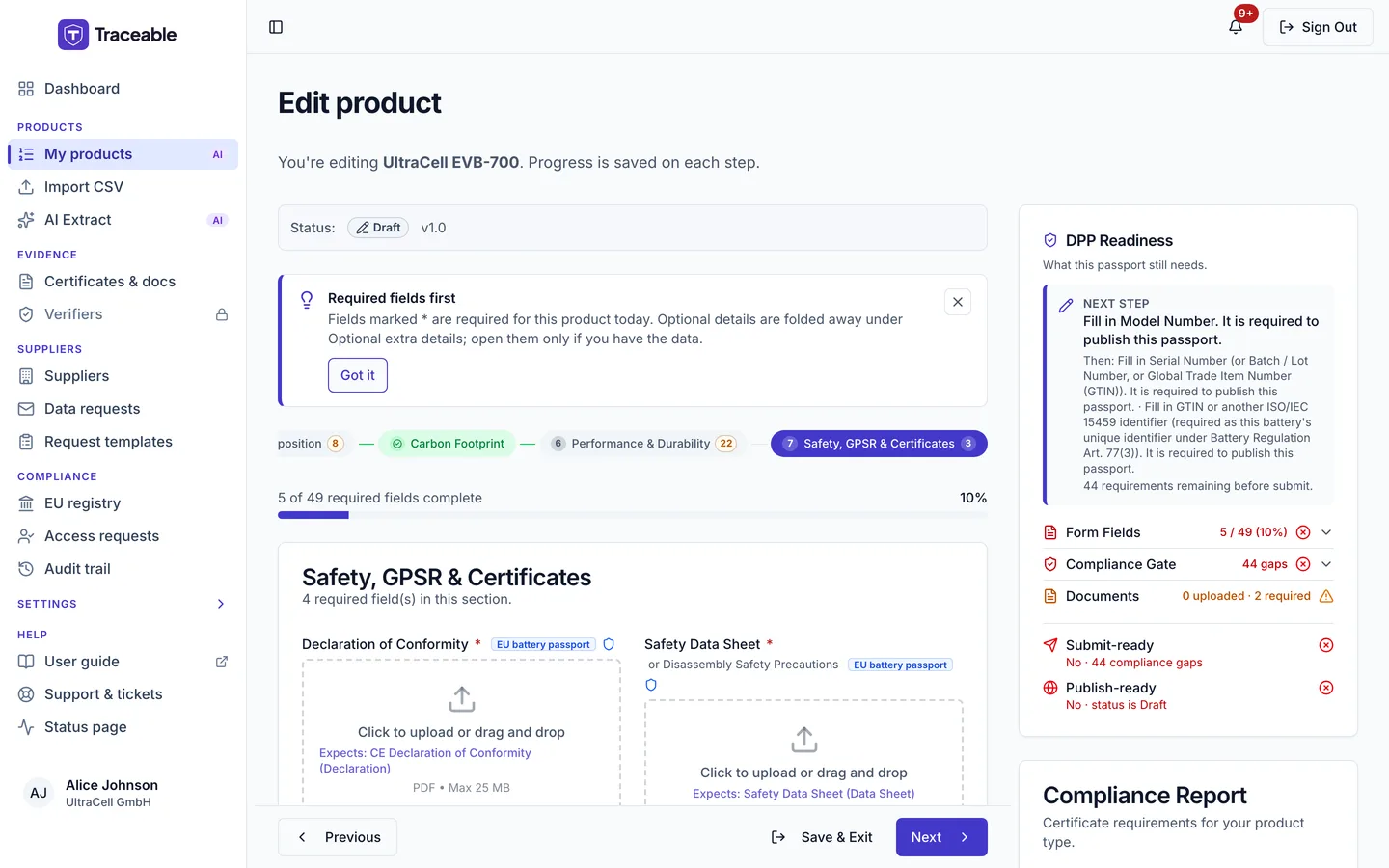
Step 7: Safety, GPSR & Certificates
Safety information and the certificate requirements attached to this category. Certificates uploaded under Evidence > Certificates & docs (see Documents) are matched against these requirements.
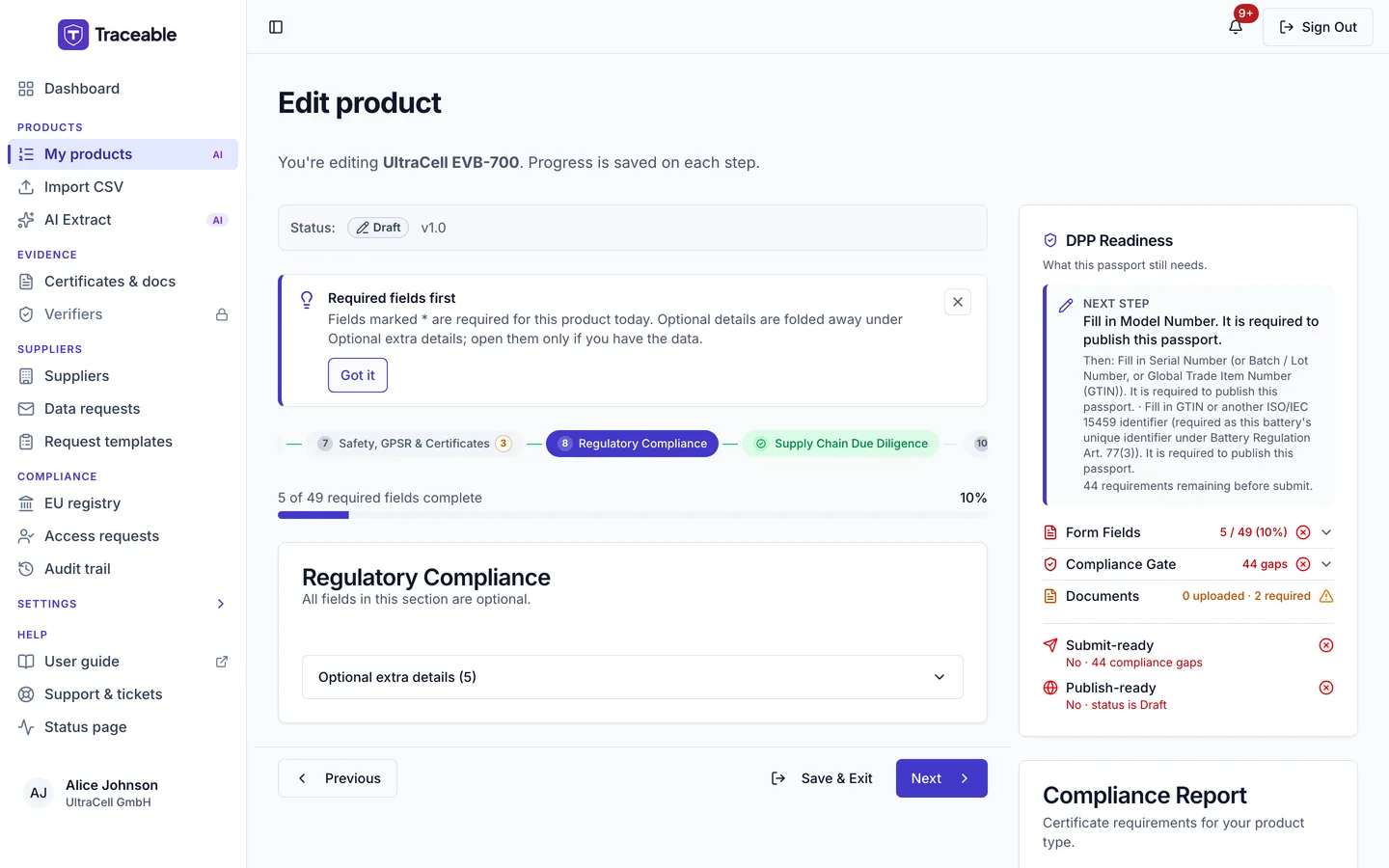
Step 8: Regulatory Compliance
The type-approval reference, applicable standards and passport lineage links that apply to the battery.
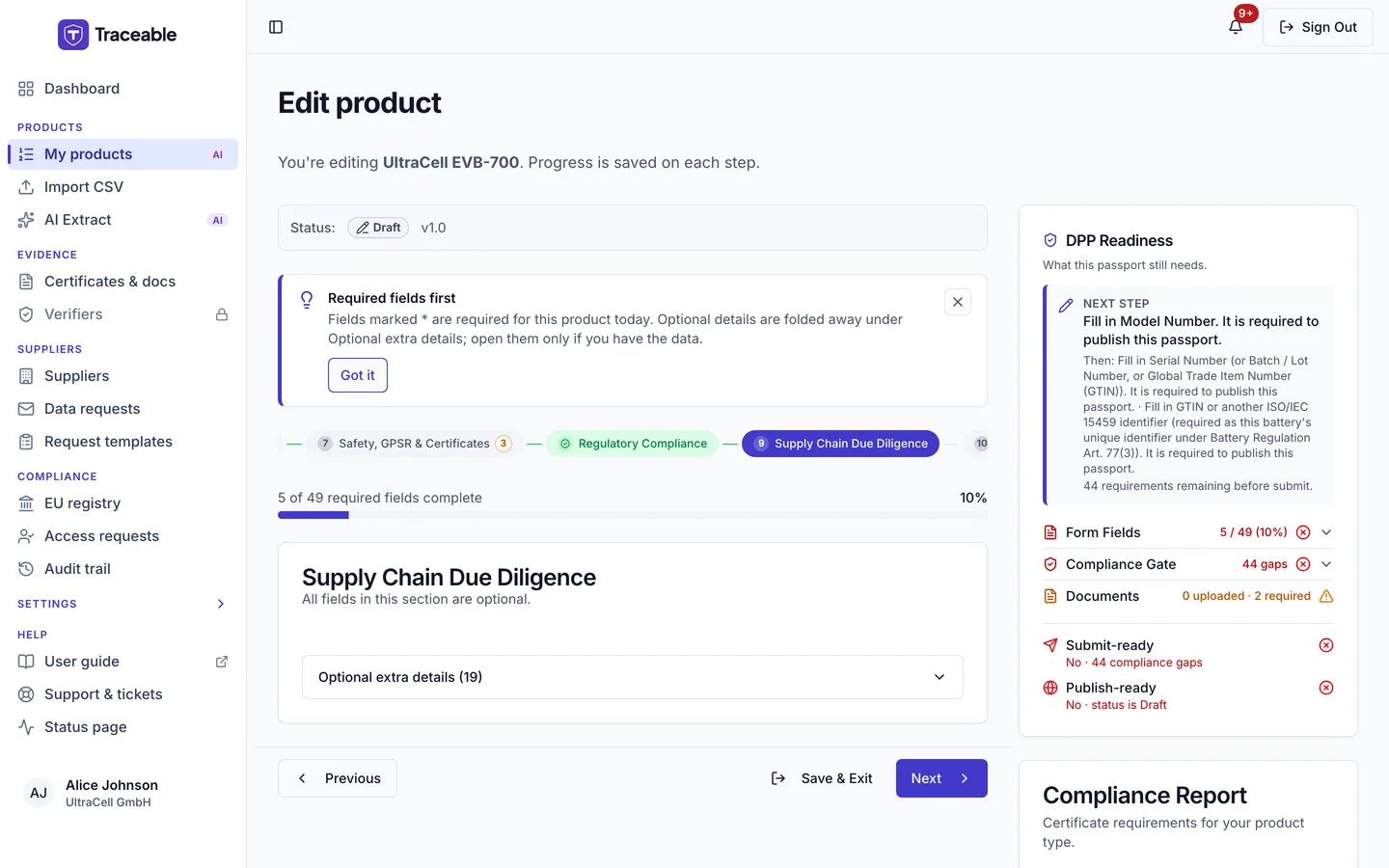
Step 9: Supply Chain Due Diligence
The due-diligence information covering raw-material sourcing. This is the step most likely to need data you do not hold yourself: request it from suppliers rather than guessing: see Send data requests.
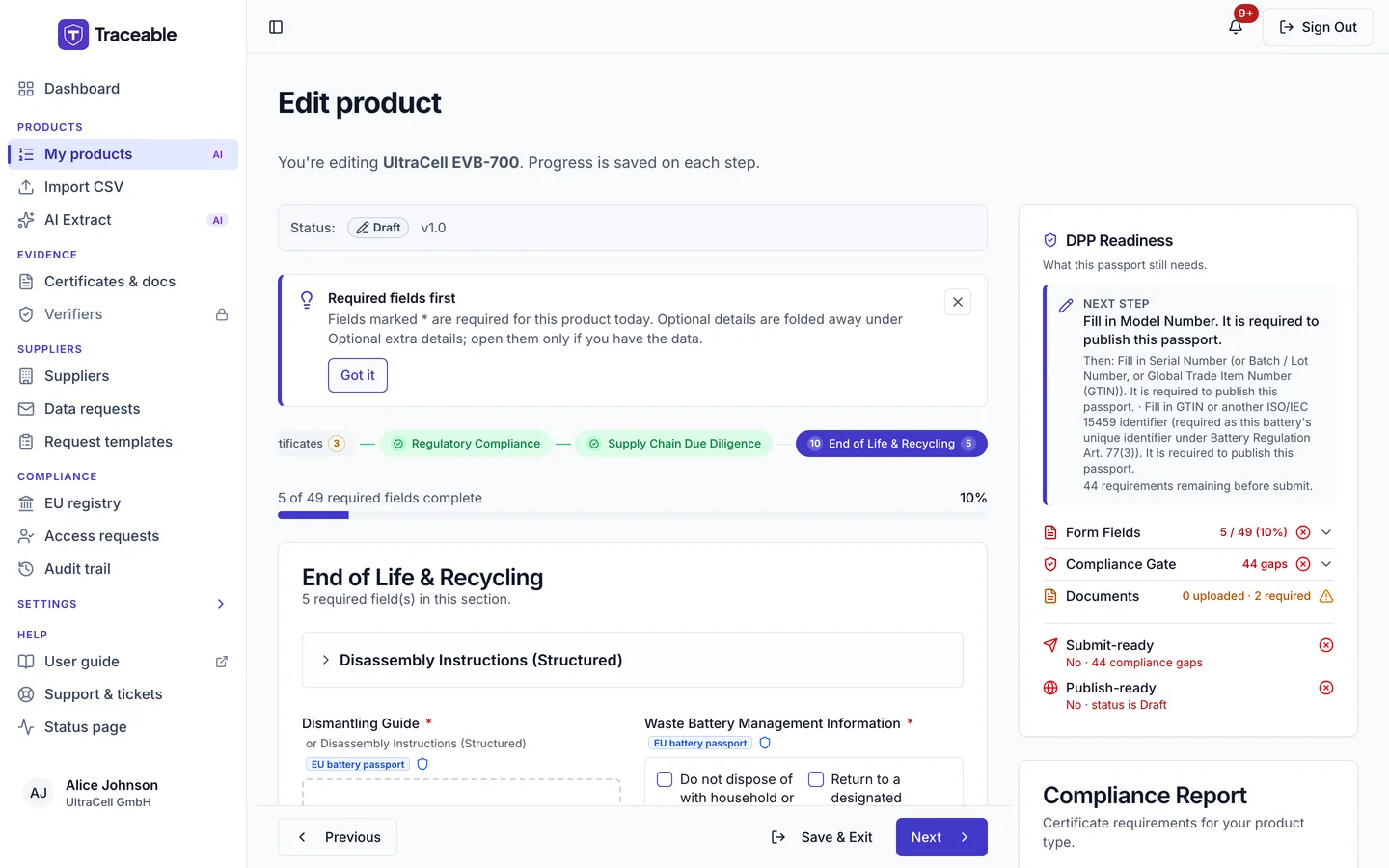
Step 10: End of Life & Recycling
Collection, treatment and recycling information, including the separate-collection obligations that apply regardless of the passport mandate.
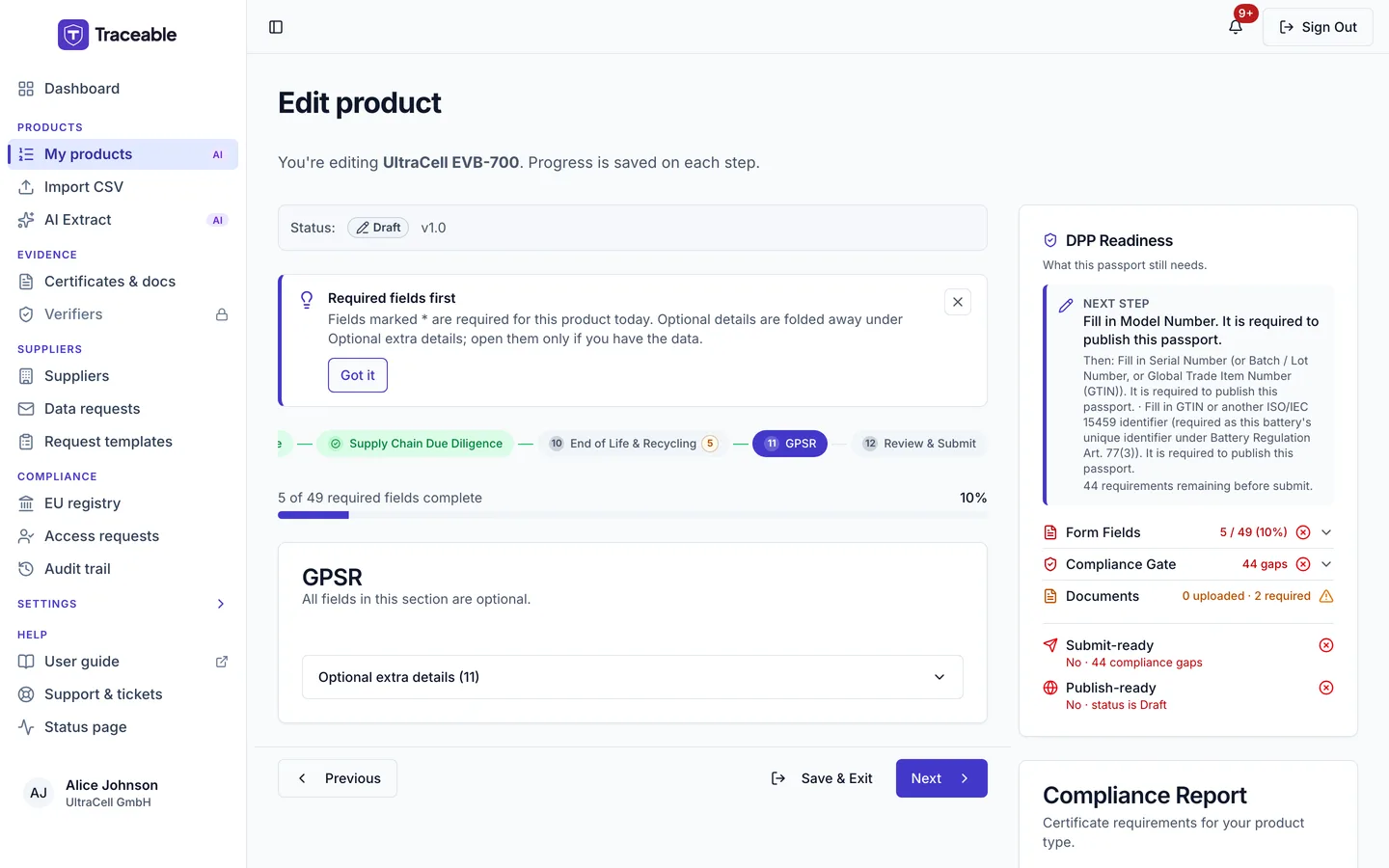
Step 11: GPSR
The General Product Safety Regulation fields, held separately from the safety and certificate step above.
Step 12: Review & Submit
The final step lists what still stands between this draft and a published passport: a card titled "N gaps must be fixed before publish", grouped by step, with a Fix button on each gap that jumps to the field, plus per-step counts such as "X of Y required fields complete". Items that do not hold publishing back appear separately as recommended items.
The example below is a draft with most required fields still empty, which is why the Review step shows a long list of gaps under "N gaps must be fixed before publish".
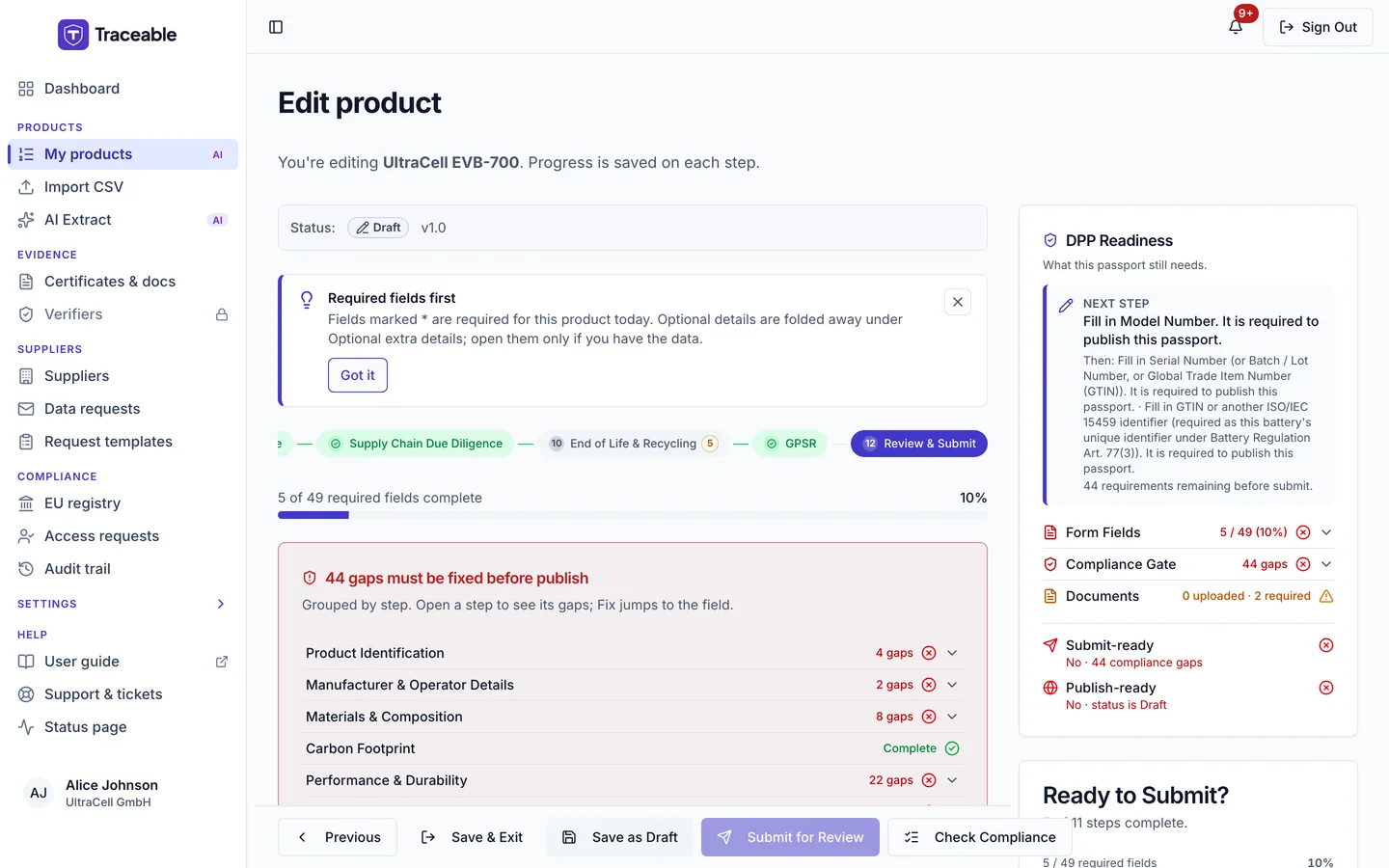
From here, Submit for Review checks the passport against the publish gate. If you are an Admin or Approver it publishes the passport straight away; if you are an Editor it sends the draft to an approver. The button stays disabled while gaps remain. Save as Draft keeps the draft without submitting. See Publish a DPP.